Conflict between documents

Flashing colour differs between documents.

RAL 7016Specification §4.3.2p. 41
RAL 9007Elevations, rev Csheet 04

Modou shows both sources and does not pick one.

Needs review
For estimators in construction

Less manual work. More time for better bids.

Modou takes repetitive tasks out of the estimating process, so estimators can focus on reviewing, optimising and submitting competitive bids.

Check one project free. No card needed.

01 Drawing

This is what the drawing gives you.

The Lindehof south gable, from the model. Edges, openings and two dimensions.

47.0m²Net wall
5Openings
19.2mTop and bottom edge
2Corners
Membrane
0.0m²
Battens
0.0m
Boards
0.0m
Profiles
0kinds
Screws
0

Order list · South gable

Lindehof · 9 material lines

Illustrative
Part / neededOrder
2 choices still open before ordering
Sill flashings · 3 lengths of 3 m Quantity worked out. Colour still to choose.

You know how much flashing is needed. The order still lacks the colour.

How Modou gets to 3 lengths of sill flashing
1 · From the model5.7 m of window openings1.2 + 1.2 + 0.9 + 2.4 m
2 · Your rule+ 0.4 m at the ends8 ends × 50 mm
3 · To purchasing3 stock lengths of 3 m6.1 m needed → 9.0 m bought
Illustrative example · Lindehof, south gable
Skip the story
What Modou is

Modou is software for estimators at subcontractors and main contractors in construction. It reads the tender documents, shows where they disagree and works out the materials you need to order, with the source on every line.

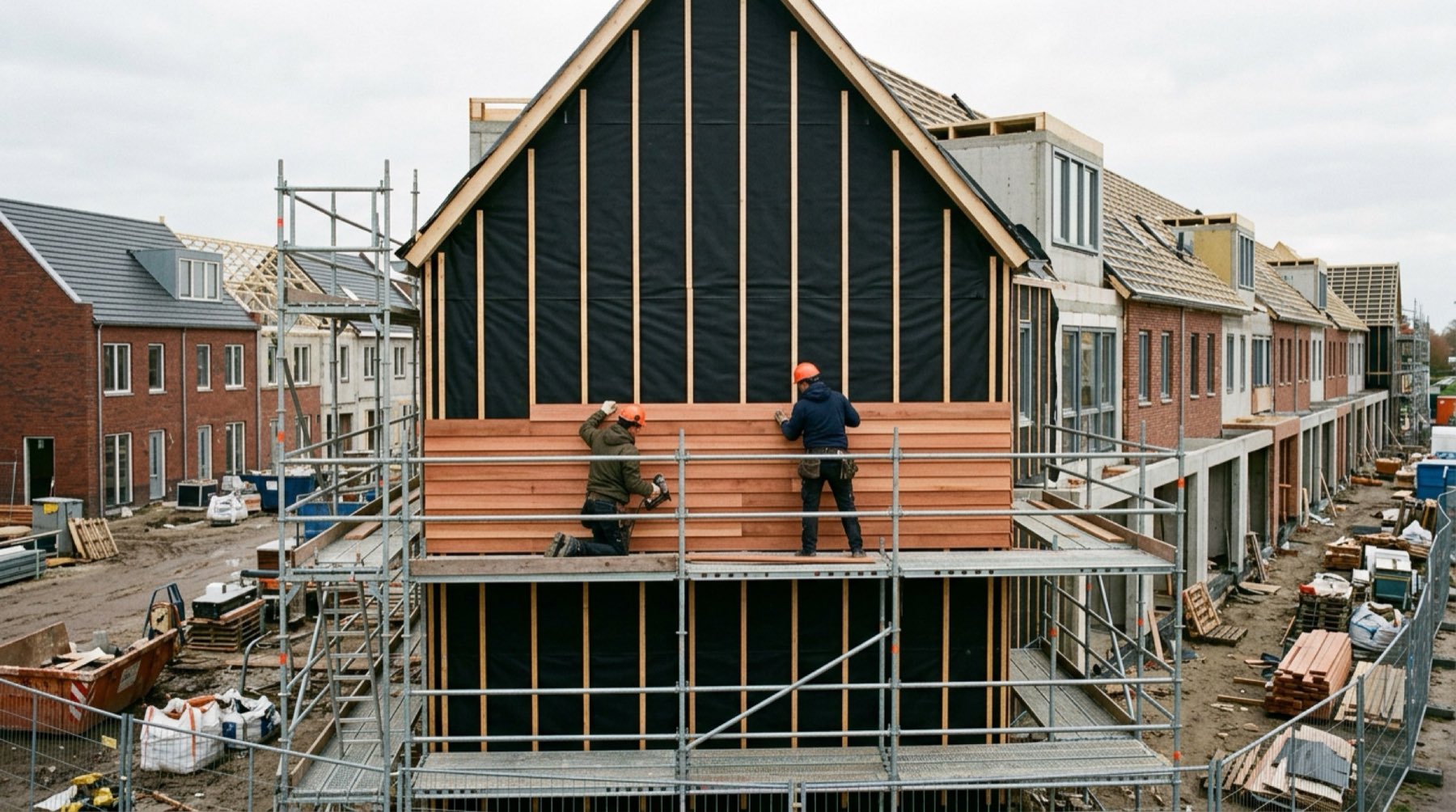
Two carpenters fixing horizontal timber boards over black membrane and battens on the gable of a terraced house under construction
Everything nobody drew

A surface is not yet a complete calculation.

It goes wrong on documents that disagree, and on the subframe, flashings, corner pieces, fixings, cutting loss and purchase units that no drawing shows.

Two priorities, one check

Your project. Your scope. A clearer estimate.

Examples of different priorities, not fixed roles: both can build work packages and compare quotes.

Main contractors

Compare quotes against the requested scope.

Modou takes the specification as the reference and holds every quote against it: what is included, what deviates and what is missing.

Three façade quotes, checked against the specification

Source: Bestek.pdf, chapter 4 Façades and §1.4 · 5 required items

Illustrative
Required by the specificationQuote AQuote BQuote C
Façade panels§4.2.1 · p. 36IncludedIncludedIncluded
Subframe§4.2.3 · p. 38IncludedIncludedIncluded
Sill flashings, RAL 7016§4.3.2 · p. 41IncludedUnclearDeviates: RAL 9007
Corner profiles§4.3.4 · p. 42IncludedIncludedUnclear
Scaffolding§1.4 · p. 7IncludedExcludedIncluded
Quote amountexcl. VAT€98,400€86,400€101,700
Add scaffoldingProvisional allowanceIncluded+ €12,000Included
Comparable with the specification€98,400€98,400€101,700
UnresolvedQuote B is €12,000 lower than A, but the scaffolding from specification §1.4 is missing. With the provisional allowance B also comes to €98,400. Quote C offers the sill flashings in RAL 9007, while the specification asks for RAL 7016.
Subcontractors

Complete your own work package.

Modou turns drawings and measured quantities into a complete, buildable and purchasable work package.

One façade area, expanded

Façade 1,200 m²

Illustrative
  • Membrane1,260 m²
  • Subframe2,000 m
  • Cutting loss6%
  • Panels412
  • Corner profilesStill to check
  • Fixings9,600
  • Flashings310 m
  • Membrane1,260 m²
  • Subframe2,000 m
  • Cutting loss6%
  • Panels412
  • Corner profilesStill to check
  • Fixings9,600
  • Flashings310 m
Still to reviewCorner profilesAccess equipment14 tasks installation
Needs reviewThe panel quantity is included. Corner profiles and access equipment still need reviewing.
How it works

Upload, review, export.

You give Modou the documents exactly as you received them. You review what it finds next to the source, and take it into your own estimate.

01

Upload

Bring together your drawings, specifications and supporting documents.

PDF, Word (DOCX), Excel (XLSX), CSV, IFC and DXF. Export DWG files to DXF and Revit models to IFC first.

PDFBestek.pdfSpecification
PDFGevels_rev-C.pdfElevations, rev C
IFCLindehof.ifcModel
PDFAanvraag.pdfEnquiry
101 pages and 1 modelPDF · DOCX · XLSX · CSV · IFC · DXF
02

Review

Check findings alongside their sources. Confirm assumptions and resolve open questions.

Each decision is recorded with your reason. Questions for the architect are noted for you. Modou never sends them.

Sill flashings RAL 7016§4.3.2 · p. 41
Fixings A2Specification
No spacing givenOpen point
Flashing colour differs between documentsNeeds review
38 requirements for your scope, each linked to its page
03

Export

Take reviewed information into your estimating workflow.

File exports you import yourself, not live connections.

XLSXExcel and CSV filesDocument, revision and page on every rowAvailable
CUF-XMLCUF-XML file for Dutch estimating softwareSuch as Ibis, Kraan nCalc and VakwarePilot
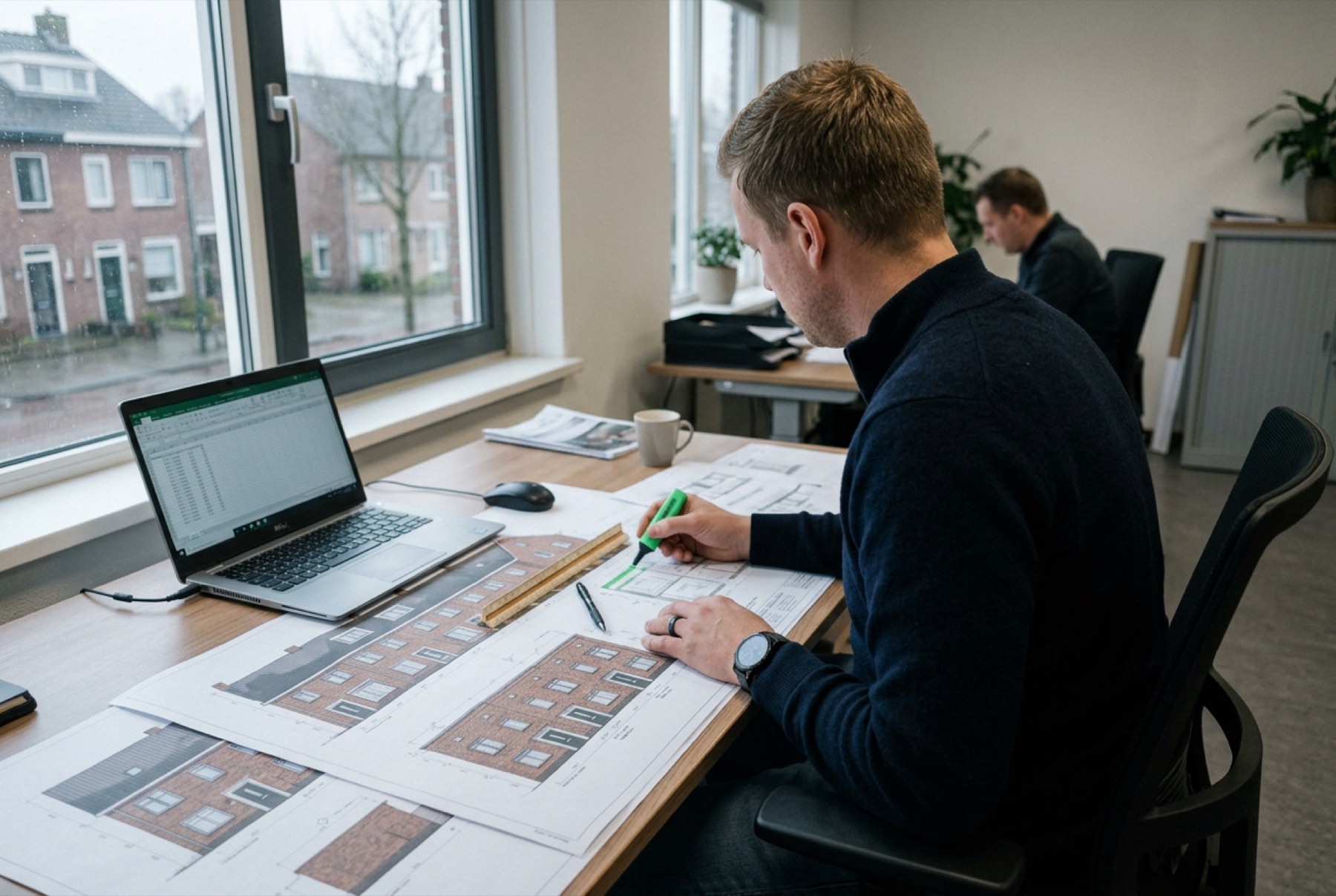
An estimator marking printed facade elevations with a highlighter beside a laptop showing a spreadsheet
One project free

Check your next project before you price it.

Upload the specification, schedules and model you have been given. See the conflicts, missing items and quantities to review before they end up in your price.

First see it on your own project. Only then a subscription.

Check one project free. No card needed.

Questions

What estimators ask first.

Another question? Email hi@modou.io

Which files can I upload?

PDF drawings and specifications, Word (DOCX), Excel (XLSX) and CSV schedules, IFC models (IFC2x3 and IFC4) and DXF. Scanned PDF pages are read with text recognition, and every value read that way waits for you to check it. Native DWG and Revit files are not read, so export them to DXF or IFC first.

What happens when documents disagree?

Modou shows both sources side by side and marks the finding as unresolved. You decide which one leads, with a reason, or note a question for the architect. While a conflict is open, you cannot mark the documents as checked unless you choose to carry it forward.

How are inferred quantities calculated?

From documented inputs, such as window schedules, tables on drawings and the IFC model, using fixed formulas. Each one shows its formula, its inputs with their sources and any assumption, such as an allowance, marked separately for you to confirm or change. Modou also measures directly from lines on 2D drawings. That measurement keeps being improved.

What happens when information is missing?

Modou says so instead of guessing. The missing value becomes an open point that you can resolve yourself or note as a question for the architect.

Can I check the original source?

Yes. Every finding links to its document, revision and page, spreadsheet cell or model element. PDF pages with a text layer open next to the finding with the quoted passage outlined. For scanned pages you see the page and the quote.

How does export work?

After review, you export the checked quantities as an Excel or CSV file, with the document, revision and page on every row. A CUF-XML export for Dutch estimating software is in pilot. These are files you import yourself, not live connections. Checking your first project is free, with no card needed. Recording decisions, exporting the reviewed calculation and further projects ask for a payment method first. The quantities of your free project export without one. The pricing page explains how that works.

What happens to my project data?

Your documents, prices and decisions stay in your own account and are never shared with other customers. The database runs in the European Union. We do not use your project documents, drawings, prices or calculations to train AI models, unless you give written permission. AI processing is not guaranteed to stay in the EU. Your projects and files are kept for as long as your account exists. You can delete your account at any time. Your login and your profile are then removed straight away, together with files that belong to no project. Your project documents are kept for up to 24 months after that and are then deleted, files included. Email hi@modou.io to have them removed sooner.

Stay in the loop

What the drawing did not show, in your inbox.

Every few weeks, one real case: a contradiction, a hidden quantity or a revision that cost someone their margin, and how to catch it in time. No spam, unsubscribe whenever you like. Prefer to read first? See the cases in the knowledge hub.

You are subscribed. Until the next case.

We respect your privacy. Read our Privacy Policy.